
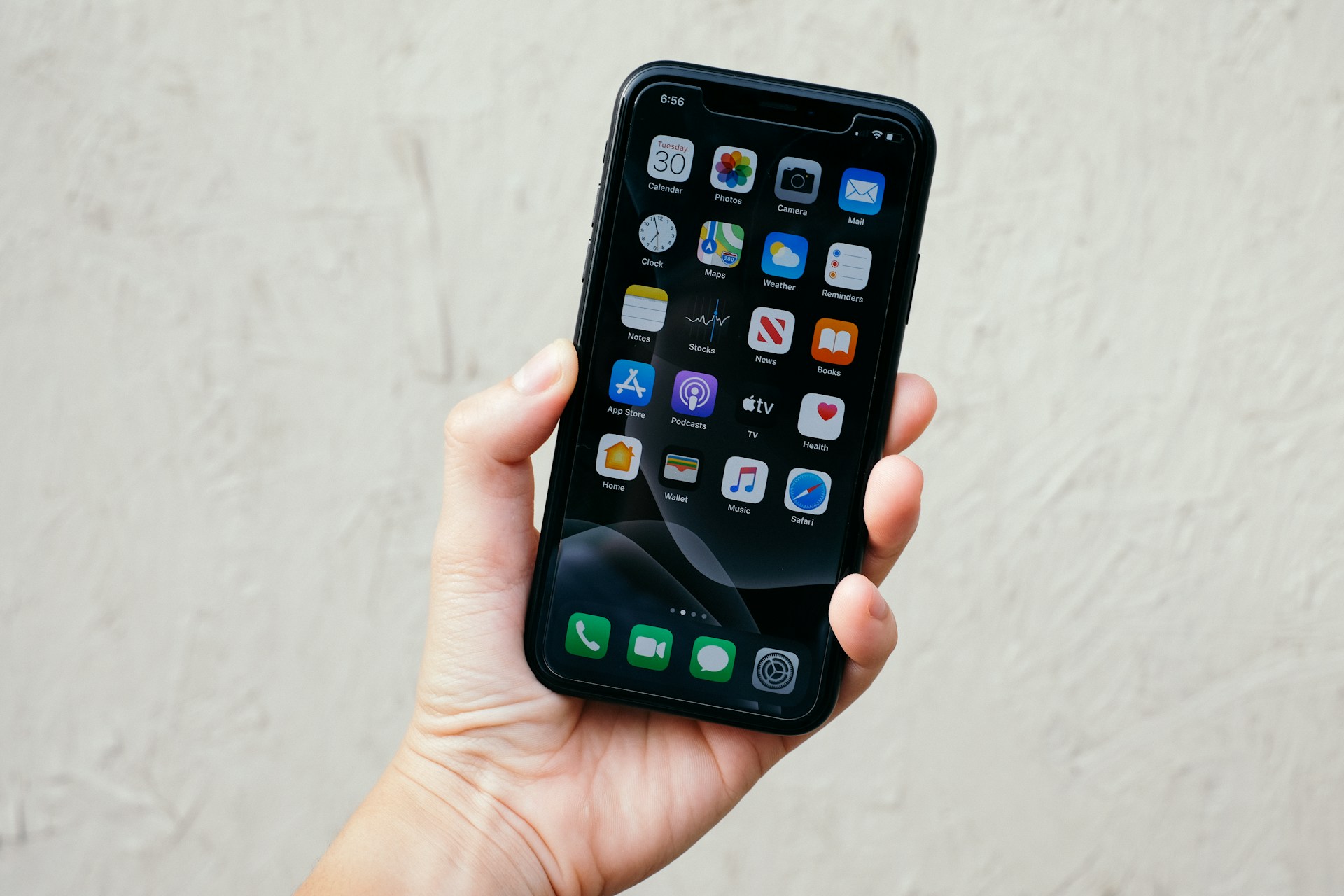

As students, we juggle school on top of extracurriculars, sports, volunteering, and family commitments. While this list of apps will in no way replace the effort required to keep up with everything, in my personal experience I’ve found that they can certainly help quite a bit.
1. Notion
If you’ve read any of my Advice blogs before, you’ll know that I’m the biggest fan of Notion. I discovered the platform through a close friend, and though the learning curve felt daunting at first I eventually figured my way through it. And it’s amazing.
Notion is an organization and productivity platform. It’s vague because of the variety of tasks you can complete using the platform, but that’s the charm. Notion handles all needs, from simple tasks like to-do lists to complex platforms like web design. There’s also space to code what you’d like to have displayed, which makes the platform even more customizable.
Because of how customizable it is, it takes a while to learn; however, it truly is such a powerful tool if you know how to use it. If you’re just getting started, here’s a helpful video you can watch to get yourself started.
2. Whering
We’d all like to look put together, and most of us have spent far too long finding something to wear despite having an overflowing closet. Regardless of the size of your wardrobe, Whering is a must for students with early mornings or those of us who like to sleep in until the very last minute.
Whering is an outfit planner app. You can log your clothing into the app by taking photos of your clothes, and you can make outfits by putting the clothing together. The app also categorizes your clothing a dozen different ways – including season, event type, and color – so that when an occasion arises where you’re not quite sure what to wear, you can find something in your wardrobe instead of buying new clothing. In the morning when you’re scrambling to find something that matches, your premade outfits will be ready to go in Whering and all you need to do is find the pieces.
In a pinch, the app has truly been a lifesaver. You’d be surprised how many pieces of clothing you have, and how many different ways they can be worn! It saves money, time, and brain cells.
3. Google Calendar
As someone who has to make plans a month ahead of time because of commitments outside of school, Google Calendar has been my metaphorical lifeline. Deadlines, time blocking, tasks — all of it takes place in my google calendar. Google Calendar is my life, and my life is Google Calendar.
I used to write everything by hand into a student planner, and while it was more aesthetically pleasing it was also difficult when I couldn’t find the planner or when I had to note an event down quickly and didn’t have a pen on me. It’s so much more convenient to have Google Calendar on your phone. Trust me.
4. Forest/Focus Plant
I’ve heard a lot of wonderful reviews about Forest. It’s a focus app where you grow trees when you set down your phone and focus on the task at hand. That having been said, it’s often a paid version on different devices.
Since I’m a student on a budget, I also found an alternative: focus plant. This app rewards you for putting your phone down with raindrops. You can use these raindrops to water your plants, and when your plants grow they give you different rewards.
This is helpful for breaking pickup habits during study or focus time. Especially for those of us who feel the need to have Subway Surfers playing in the background of EVERYTHING, getting a focus app can be really helpful.
5. Anki
Again, if you’ve read any of my study posts before, you’ve probably seen Anki somewhere on there. But it truly is such a lifesaver; spaced repetition, especially when you have a large volume of memorization, can save you from hours and hours of seemingly meaningless cue card flipping.
Also, unlike its competitor Quizlet, the desktop version is completely free and doesn’t come with ads. You can use it offline, create cloze deletions, and create image occlusions, making it a wonderful tool for memorizing anatomy or parts of diagrams. That having been said, its user interface is not as pretty as Quizlet.
The mobile version, at least on iOS, is paid. It’s also quite expensive (almost $40!!!). However, I personally think that this app is the best $40 I’ve ever spent; it makes studying on transit, in the car, and during transition time just that much easier and efficient. I really, really love Anki and encourage you to invest in it if you like flashcards.
6. LinkedIn and Indeed
… because working as a student is hard. Keep an eye out for summer jobs, resume building tips, and different employers. Not much more needs to be said, does it?
Stay tuned for a possible LinkedIn tutorial post later on.
7. Pinterest
I spend far too much time scrolling, and I’m certainly not the only one. However, Pinterest makes better use of this scrolling; it’s literally a platform for you to save ideas that are useful. You can organize these ideas into folders and boards to find them easily later, and Pinterest is easy to put down (unlike the constant dopamine hits from TikTok and Instagram Reels).
What you save is entirely up to you, and Pinterest provides a plethora of ideas for most aspects of life.
TL;DR
The top 7 apps for students to use are:
- Notion
- Whering
- Google Calendar
- Forest/Focus
- Anki
- LinkedIn/Indeed
Hi Jeanne! This was actually really helpful, thank you so much! I’m definitely going to use some of these because school is starting up :)))
Comments are closed.